

Understand
Understand what captures your guests’ attention.
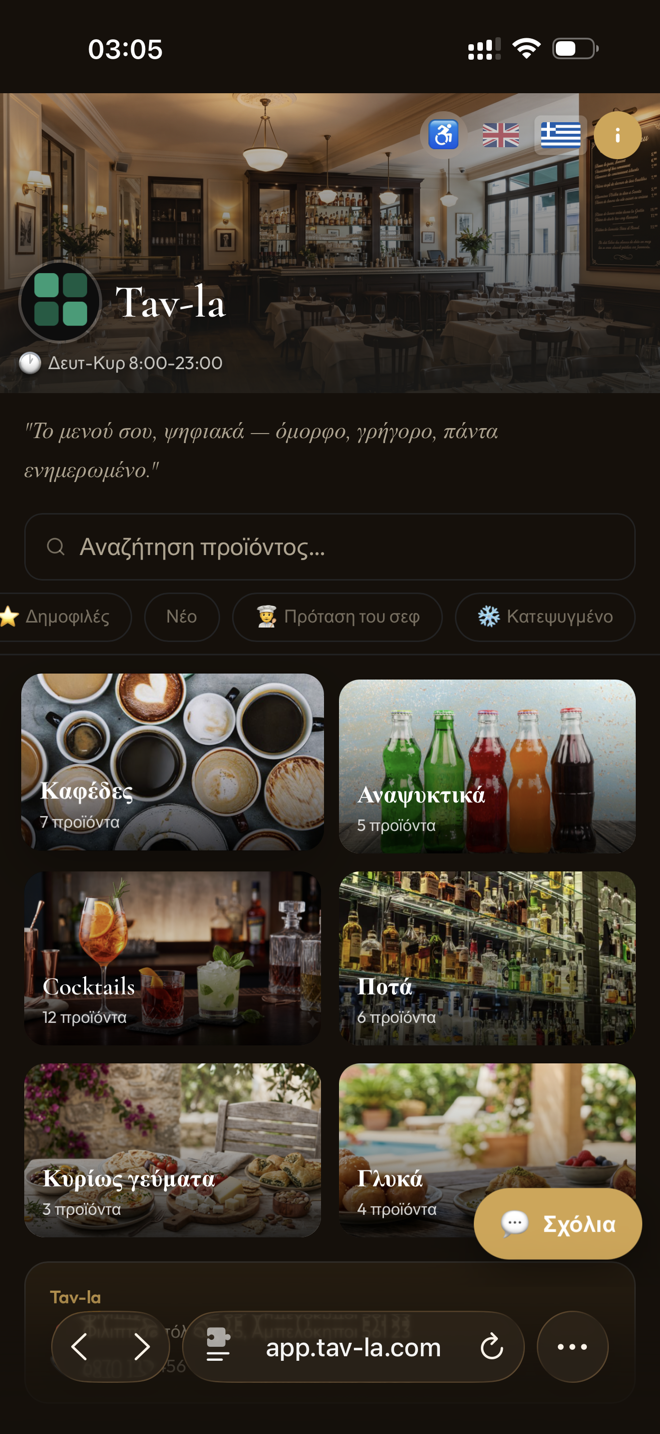
Tav-la · Digital menu for hospitality
Manage your menu with ease, see what genuinely holds your guests’ attention, and create an experience that feels like your venue.
Already on the menu at businesses that chose Tav-la
A different category
Understand what captures your guests’ attention.
Every guest sees the menu in their own language.
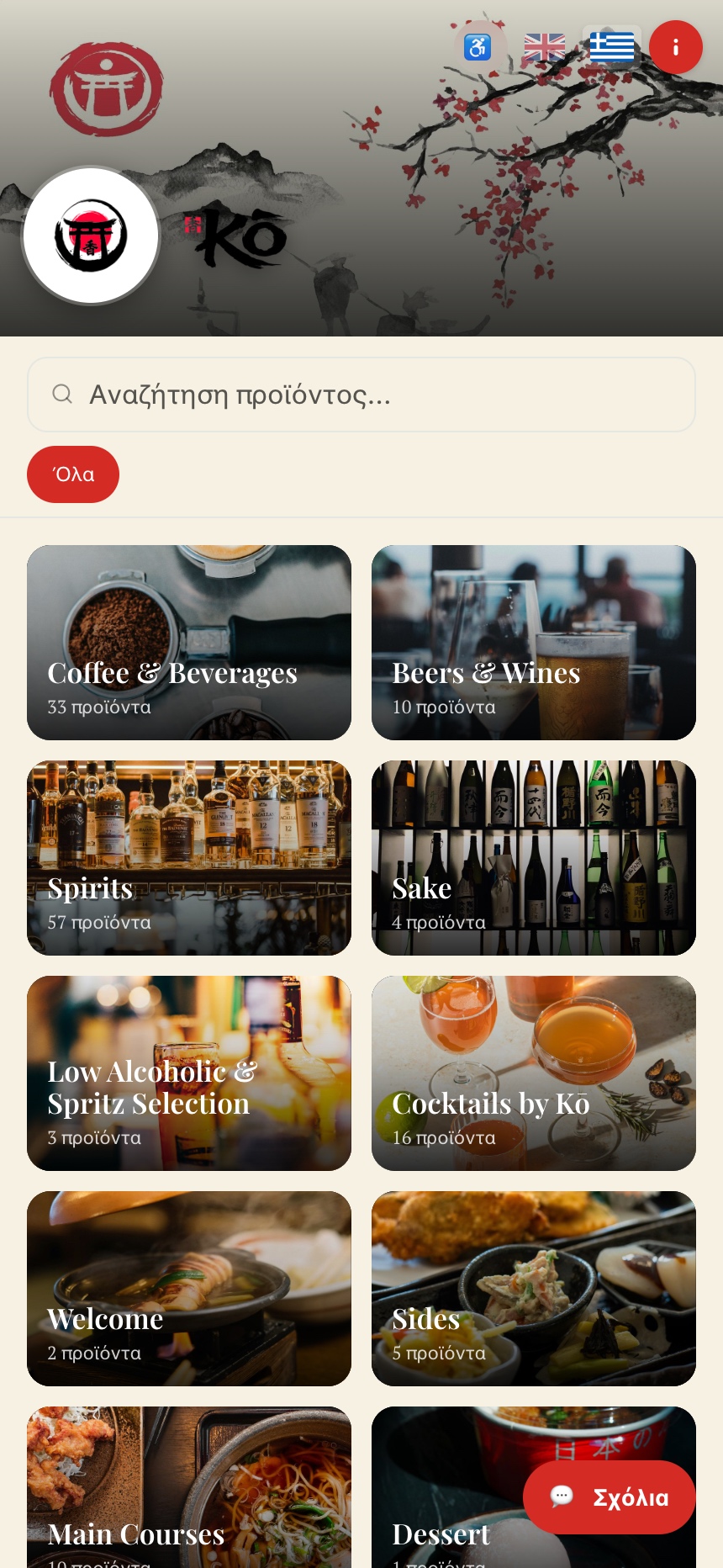
Give your menu the identity of your business.
Smartly promote the items you want to stand out.
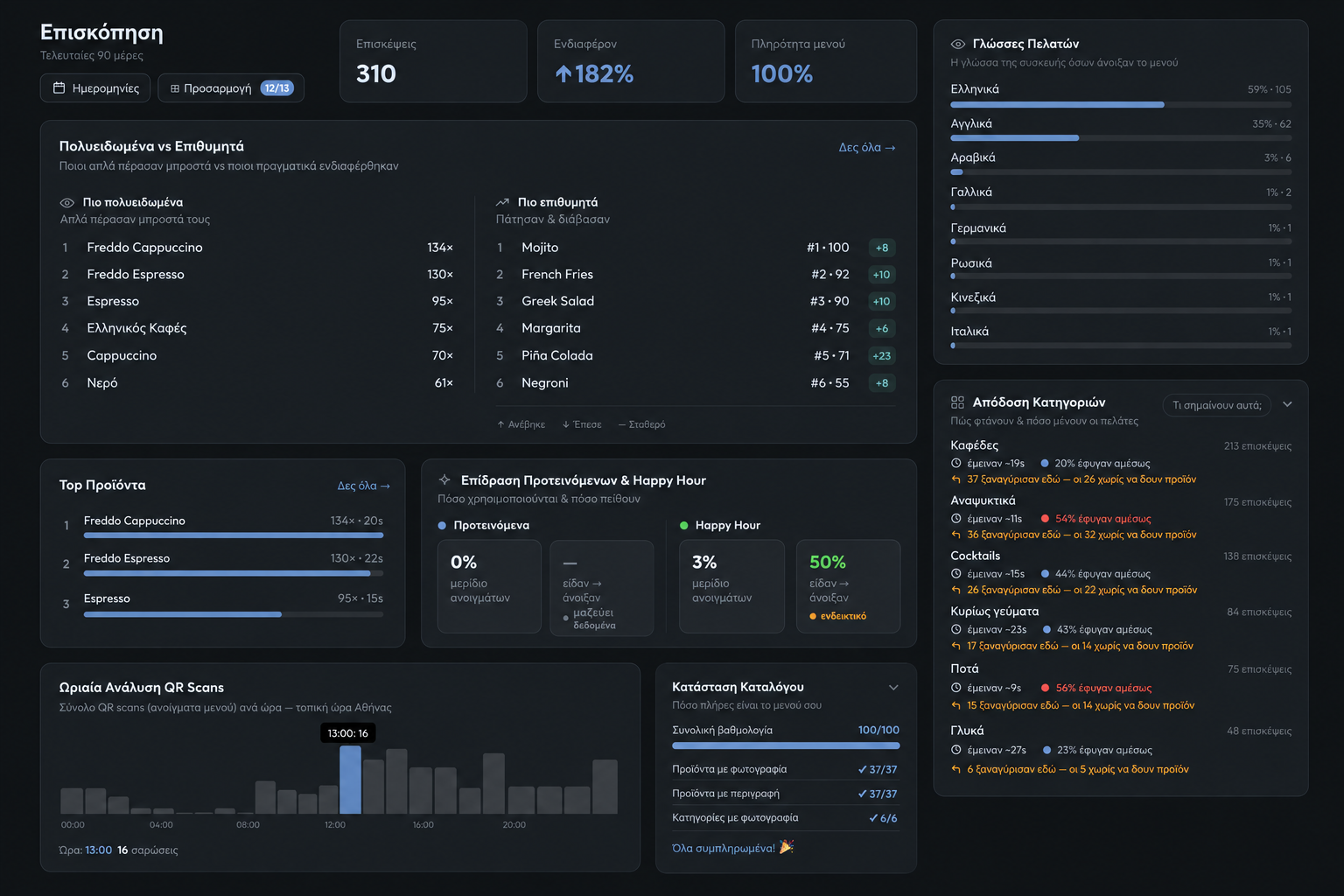
Behavioural menu intelligence
Understand visits, which products guests pass over or open, category performance, customer languages, the impact of featured items and Happy Hour, and when QR scans happen—all anonymously and with GDPR-friendly principles.
Unlimited translations
Every guest enjoys the menu in their own language — for an experience that feels instantly familiar and welcoming.
Your venue leads
Colours, typography, backgrounds, layouts, photography, video, categories and buttons can form a menu that belongs to your brand—not ours.
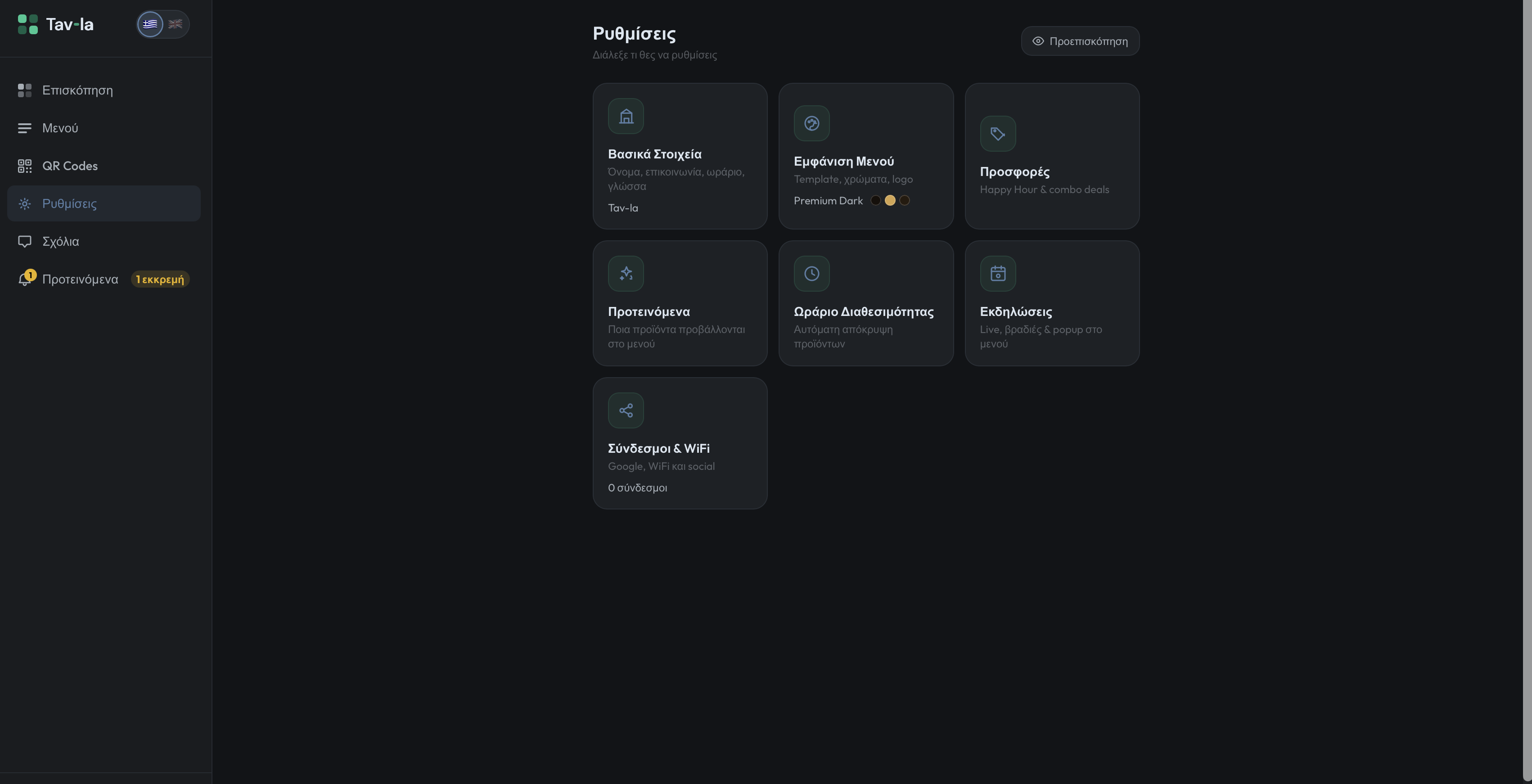
Use the menu actively
Schedule special prices by product, day and hour.
Bring selected dishes or drinks into focus.
Show dedicated content on selected dates and times.
Combine products in one clear special offer.
Independent, with support nearby
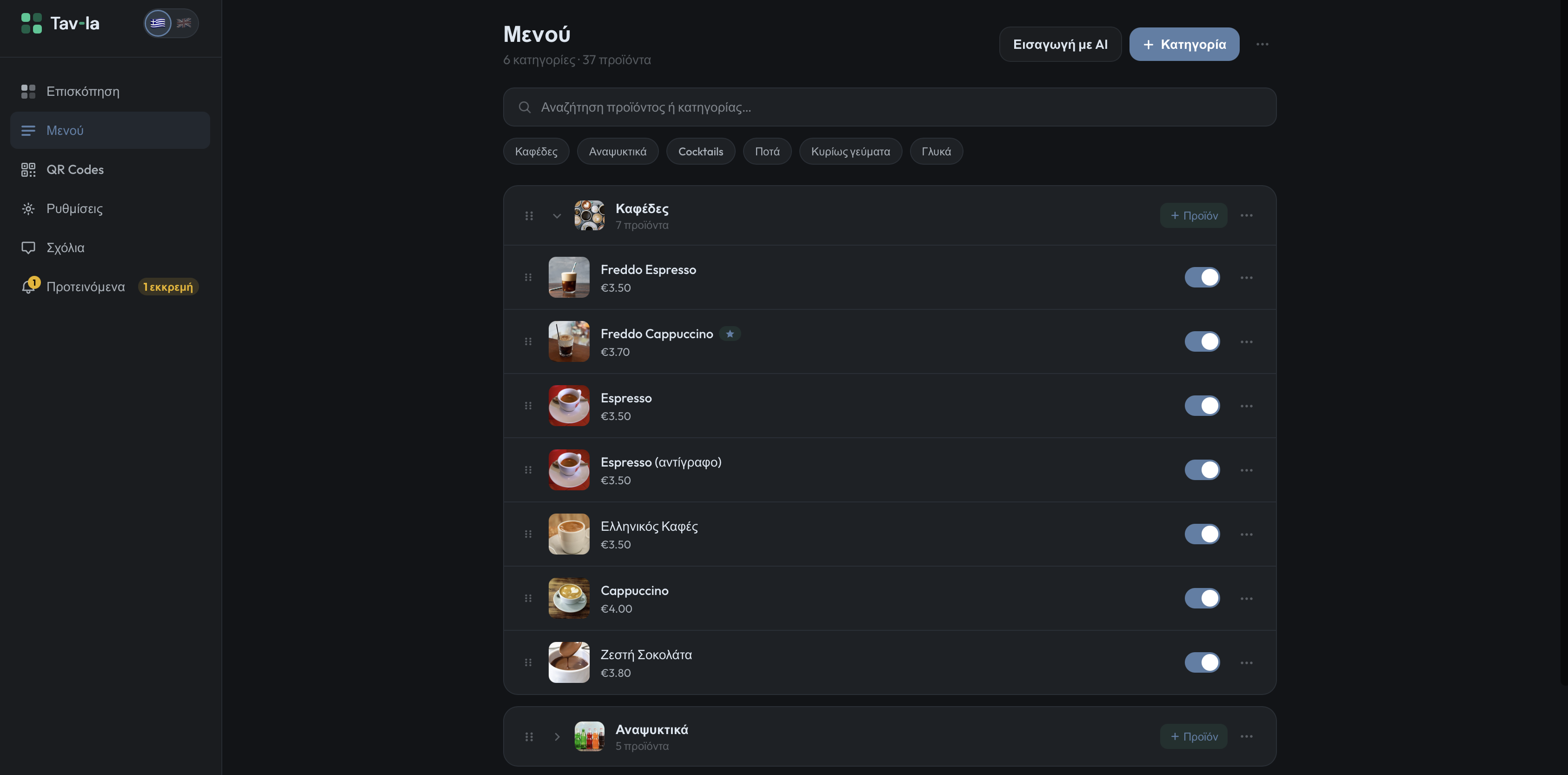
Manage it from phone, tablet or computer. When you need help, Tav-la provides direct human support.
From your current menu to Tav-la
Digital menu setup can take up to approximately five days.
Live Demo
On desktop, scan the QR with your phone. On mobile, open the demo directly.
View the Demo
A clearer comparison
One product. Every current feature.
No setup fee.
Seasonal business offer
Start using Tav-la now, use it free until you close, and start paying when you reopen next season.
FAQ
A basic QR usually opens a menu. Tav-la adds behavioural insights, a menu in every guest’s language, deep visual customisation, live management and merchandising tools.
No. Send us your existing menu and materials; we handle the initial setup and work with you on the visual direction.
Yes. Your own streamlined dashboard gives you control of prices, products, images and availability.
Once you publish them, changes can appear on your menu immediately.
No. The menu opens directly in the browser on a smartphone or tablet.
With the available translations, every guest can view the menu in their own language.
The monthly subscription has no commitment. Annual billing has a lower total cost.
You can manage the menu independently, with direct human support—including by phone—when you need it.
Your menu can do more.